AL+

Language: RO (română) EN (English)

Email us: paul@alplustech.com

Milkglass

Private photos and files, encrypted on your iPhone or iPad. Each pattern opens a different Drawer, and the app never shows how many exist.

  • Private photo app for iPhone and iPad

Get it on the App Store Visit milkglass.app

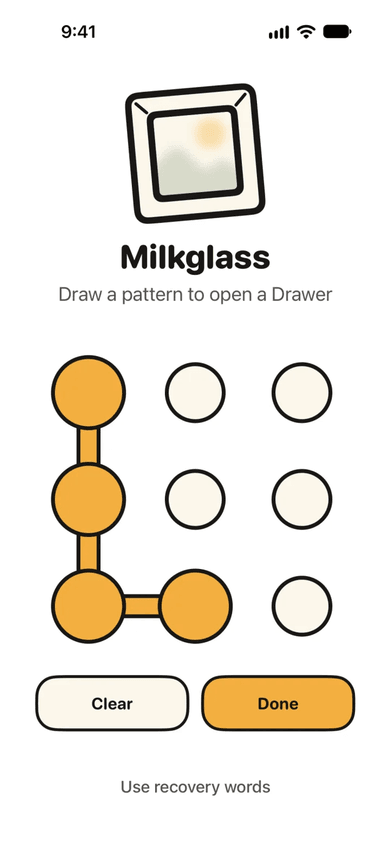
Milkglass lock screen on iPhone: the Milkglass logo, the words Draw a pattern to open a Drawer, and a grid of nine dots with four of them joined into an L-shaped pattern.
The app opens to nine dots. Each pattern opens its own Drawer.
How it works

  • Nine dots, nothing else

    The app opens to a pattern grid: no name, no list, no count.

  • Encrypted on the iPhone

    Each Drawer has its own key, covering files, names and thumbnails.

  • No account

    Drawers open offline. iCloud backup keeps an encrypted copy in your own iCloud.

Screens

Screens from the app. The library uses sample photos from Wikimedia Commons.

  • Milkglass lock screen on iPhone: the Milkglass logo, the words Draw a pattern to open a Drawer, and a grid of nine dots with four of them joined into an L-shaped pattern.
    The app opens to nine dots. Each pattern opens its own Drawer.
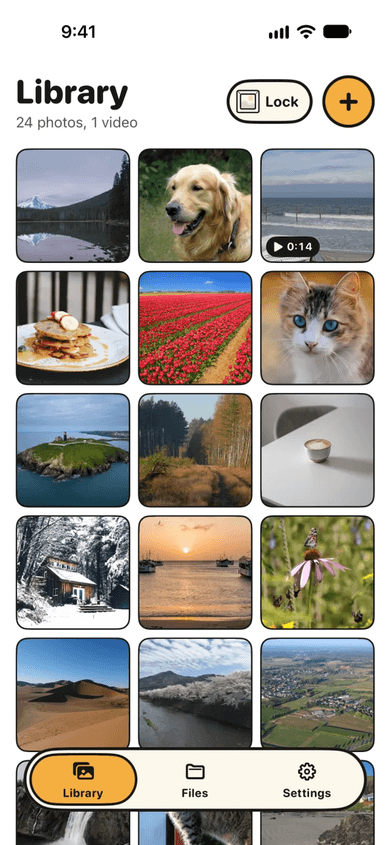
  • Milkglass Library inside an open Drawer: 24 photos and 1 video in a three-column grid of landscapes, animals and food, with Lock and Add buttons at the top. Sample photos from Wikimedia Commons.
    Inside a Drawer, photos and videos keep their original quality.
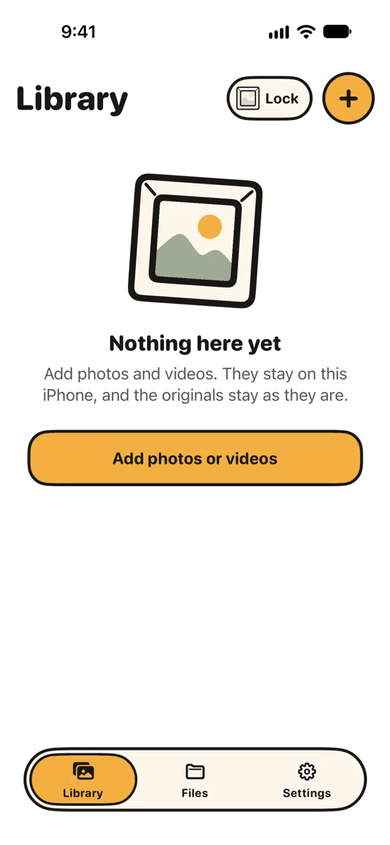
  • A second, empty Milkglass Drawer: an empty Library with the message Nothing here yet and a button to add photos or videos.
    Another pattern opens another Drawer, and nothing on screen says how many exist.
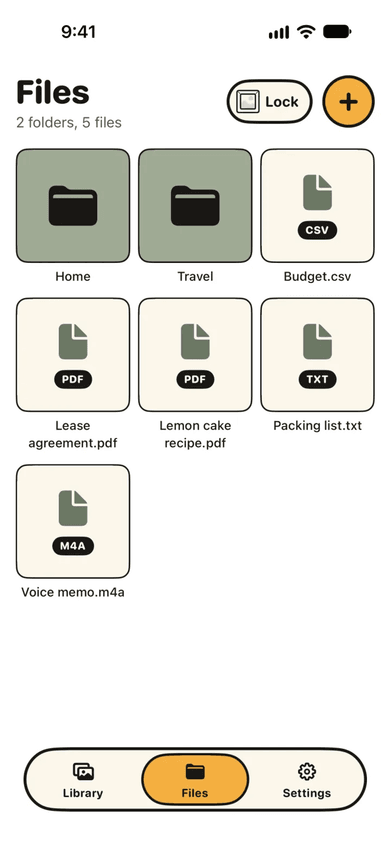
  • Milkglass Files: two folders, Home and Travel, and five files including a lease agreement PDF, a budget CSV and a voice memo.
    Documents, scans and any other file live beside the photos, encrypted the same way.

Need software built like this?

Start a project All four products